What is a Project?
A Project is your organization’s workspace in the Perplexity API Portal. It allows you to:- Manage billing and payment methods for API usage
- Create and control API keys for accessing the Perplexity API
- Invite team members and control their permissions (optional)
- Monitor usage and costs across all your API keys
Prerequisites
Before getting started, make sure you have:- A Perplexity account (sign up at perplexity.ai)
- Admin permissions for billing and API key management
- A credit card ready for payment setup (you won’t be charged initially)
If you’re joining an existing team, you’ll need an invitation from an Admin. Contact your team lead to get access.
Accessing the API Portal
Navigate to console.perplexity.ai to access your project. The left-hand sidebar is divided into two sections:- Project: Settings, Members, Billing, API keys, Files
- API Playground: Search API, Agent API
Creating and Managing a Project
To set up your organization:1
Access Project Settings
Click Settings in the left sidebar under Project.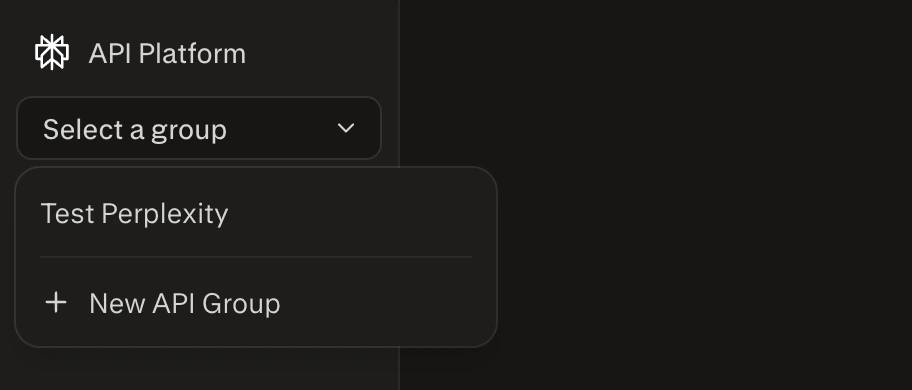
2
Complete Organization Details
Fill out your organization’s name, address, and tax details.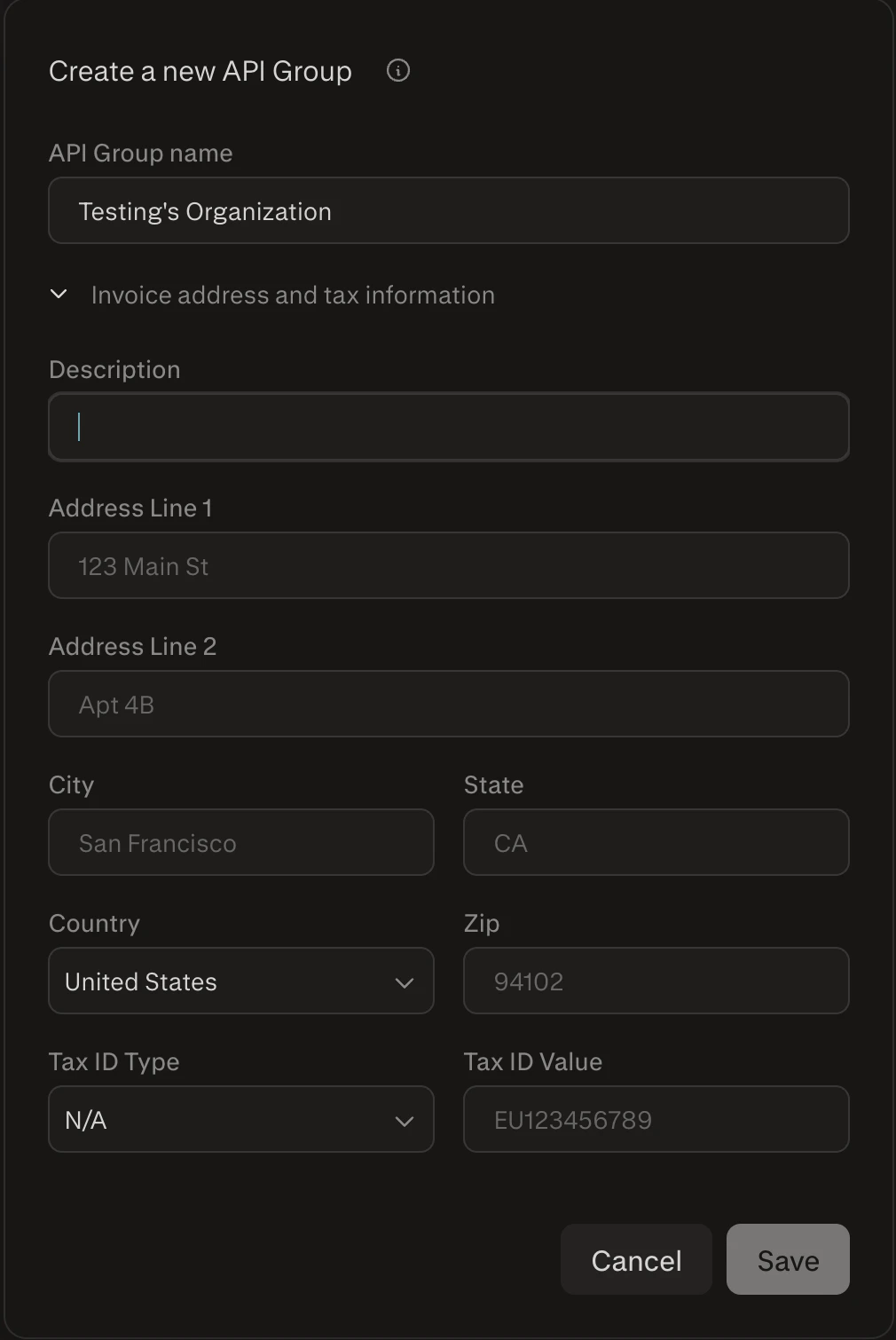
Your organization name and address will appear on invoices and help us support you better.
Billing and Payment Methods
How Billing Works
The Perplexity API uses a credit-based billing system:- Credits are purchased in advance and used for API calls
- Different models consume different amounts of credits per request
- Usage is charged based on tokens processed and search queries made
- Automatic top-up can be enabled to avoid service interruptions
See our Pricing page for detailed cost information per model and usage type.
Setting Up Payment
Access Billing Dashboard
Navigate directly to your API billing dashboard to manage payment methods, view usage, and configure billing settings.
1
Navigate to Billing
Click Billing in the left sidebar. This page shows your credit balance, payment method, usage chart, and billing breakdown.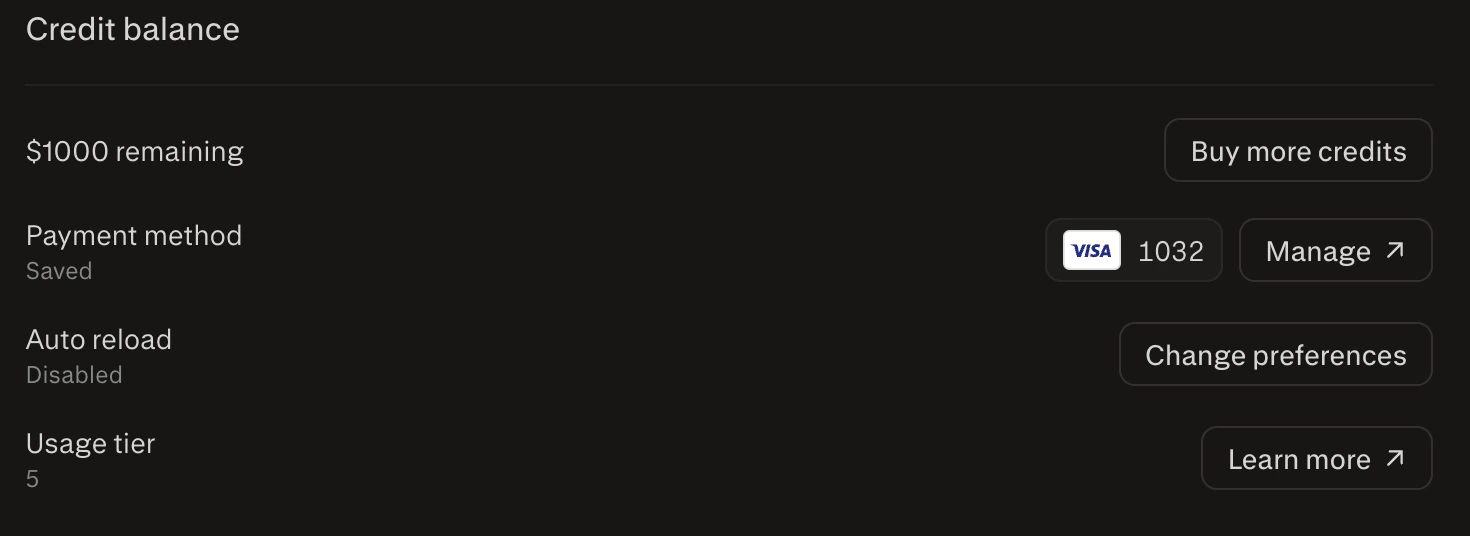
2
Add Payment Method
Click Add payment method and enter your credit card information. Payment is managed via Stripe — you can also click Manage ↗ to access the Stripe portal directly.
Adding a payment method will not charge your credit card. It stores payment information for future API usage.
3
Configure Auto Reload (Recommended)
Enable automatic credit top-up by clicking Change preferences next to Auto reload.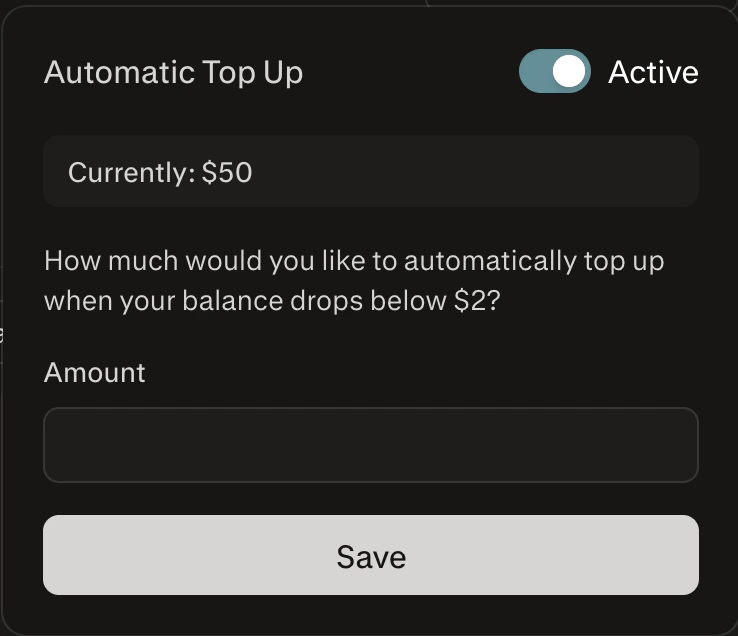
Credit Balance
The Billing page displays your remaining credit balance prominently at the top. You can purchase additional credits at any time using the Buy more credits link. Your current usage tier is also shown here — click Learn more ↗ for details on tier thresholds and benefits.Managing API Keys
What are API Keys?
API keys are your credentials for accessing the Perplexity API. Each key:- Authenticates your requests to the Perplexity API
- Tracks usage for attribution
- Can be revoked for security purposes
- Should be kept secure and never shared publicly
You’ll need to include your API key in the Authorization header of every API request:
Authorization: Bearer $PERPLEXITY_API_KEYCreating an API Key
1
Navigate to API Keys
Click API keys in the left sidebar.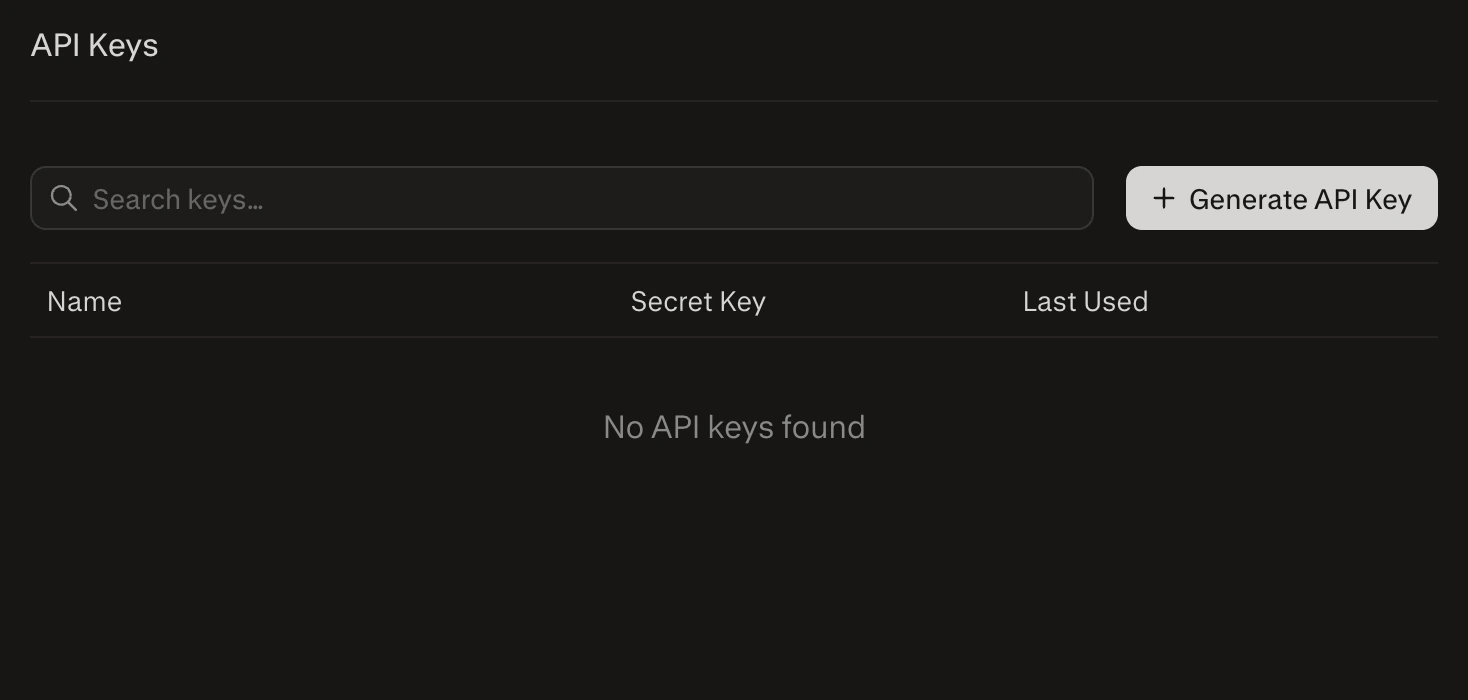
2
Generate New Key
Click + Generate API Key to create a new API key.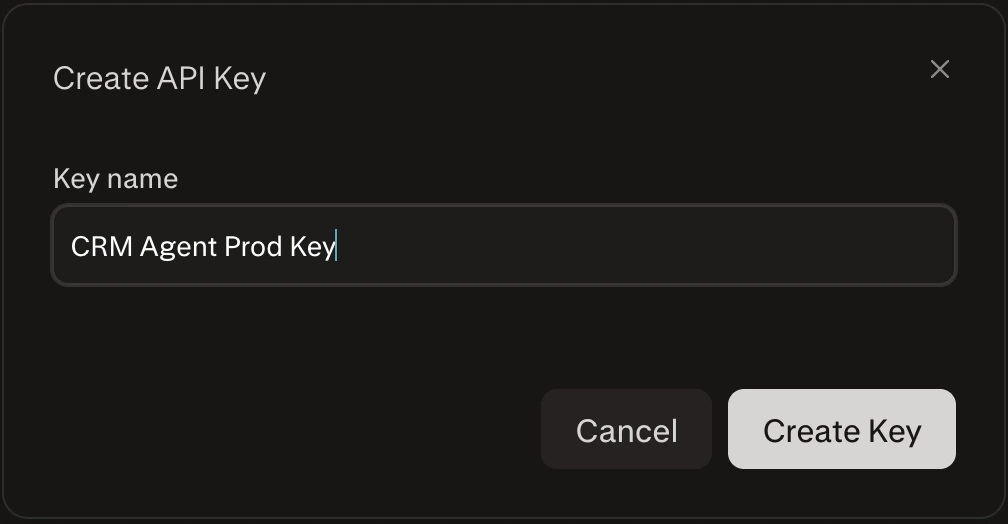
Adding and Managing Members
Admins can invite team members to the organization with specific roles: Admin or Member.Adding a Member
1
Navigate to Members
Click Members in the left sidebar. This page shows your current team members and their roles.
2
Initiate Member Invitation
Click + Add Member. Enter the user’s email address and click Invite.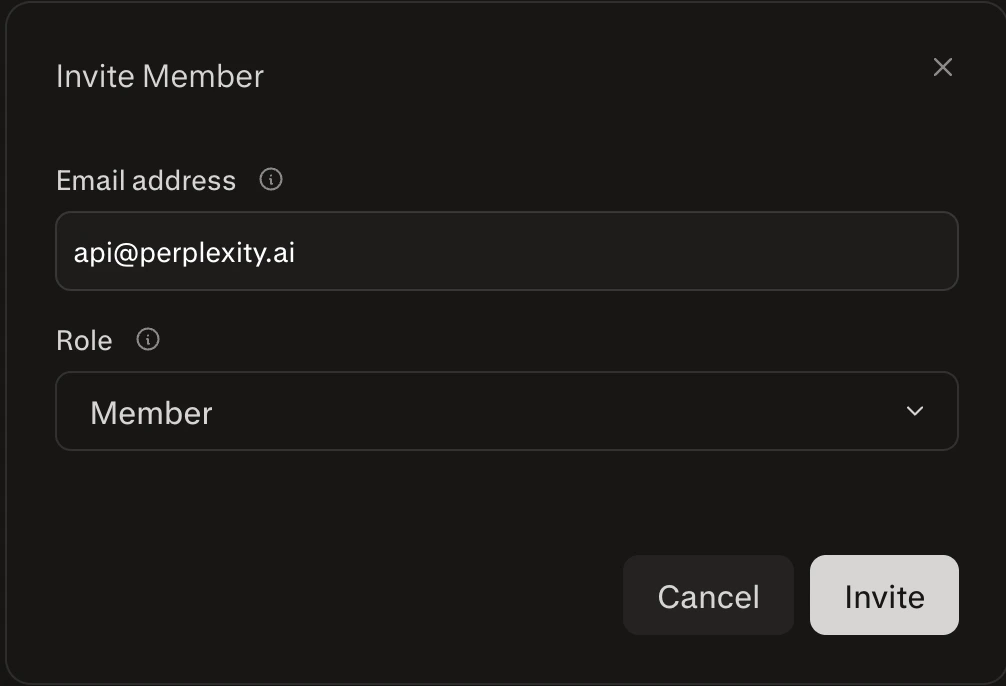
3
Member Receives Invitation
The invited user will receive an email with a link to join your project.
Once they accept, they’ll appear in your member list with their assigned role.
Filtering Members by Role
Use the dropdown to filter your list of team members by role.Roles
- Admin: Full access to invite/remove members, manage billing, and view usage data.
- Member: Can view usage and account limits but cannot modify settings.
Viewing Usage Metrics
All members can monitor API usage directly from the Billing page in the console.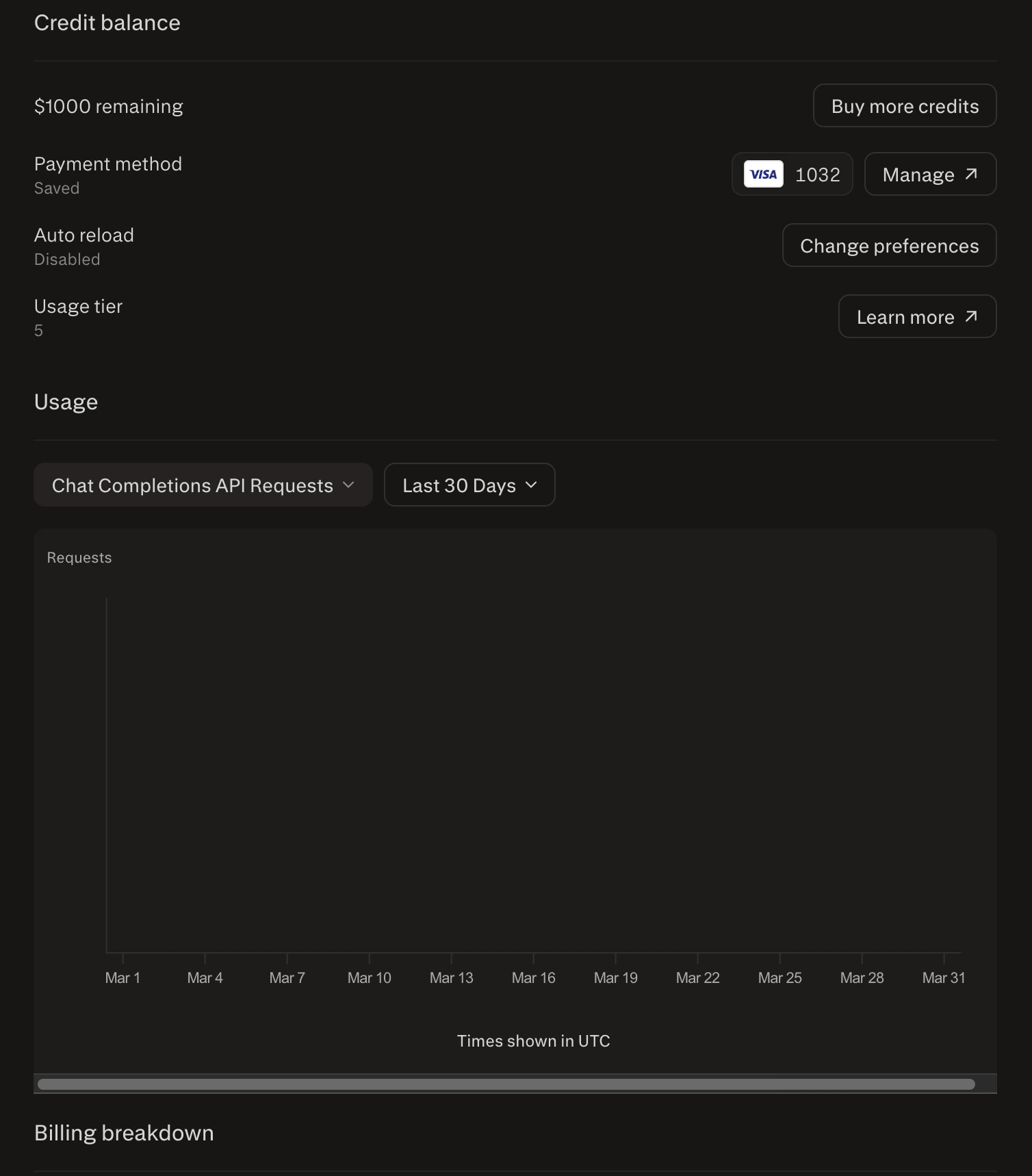
- Metric selector: Choose from Chat Completions API Requests, Input Tokens, Output Tokens, Citation Tokens, Reasoning Tokens, Deep Research Requests Count, Search API Requests Count, or Pro Search API Requests Count
- Time range: Filter by Last 7 Days, Last 30 Days, or custom range
Usage metrics help you monitor API activity and optimize for cost or performance.
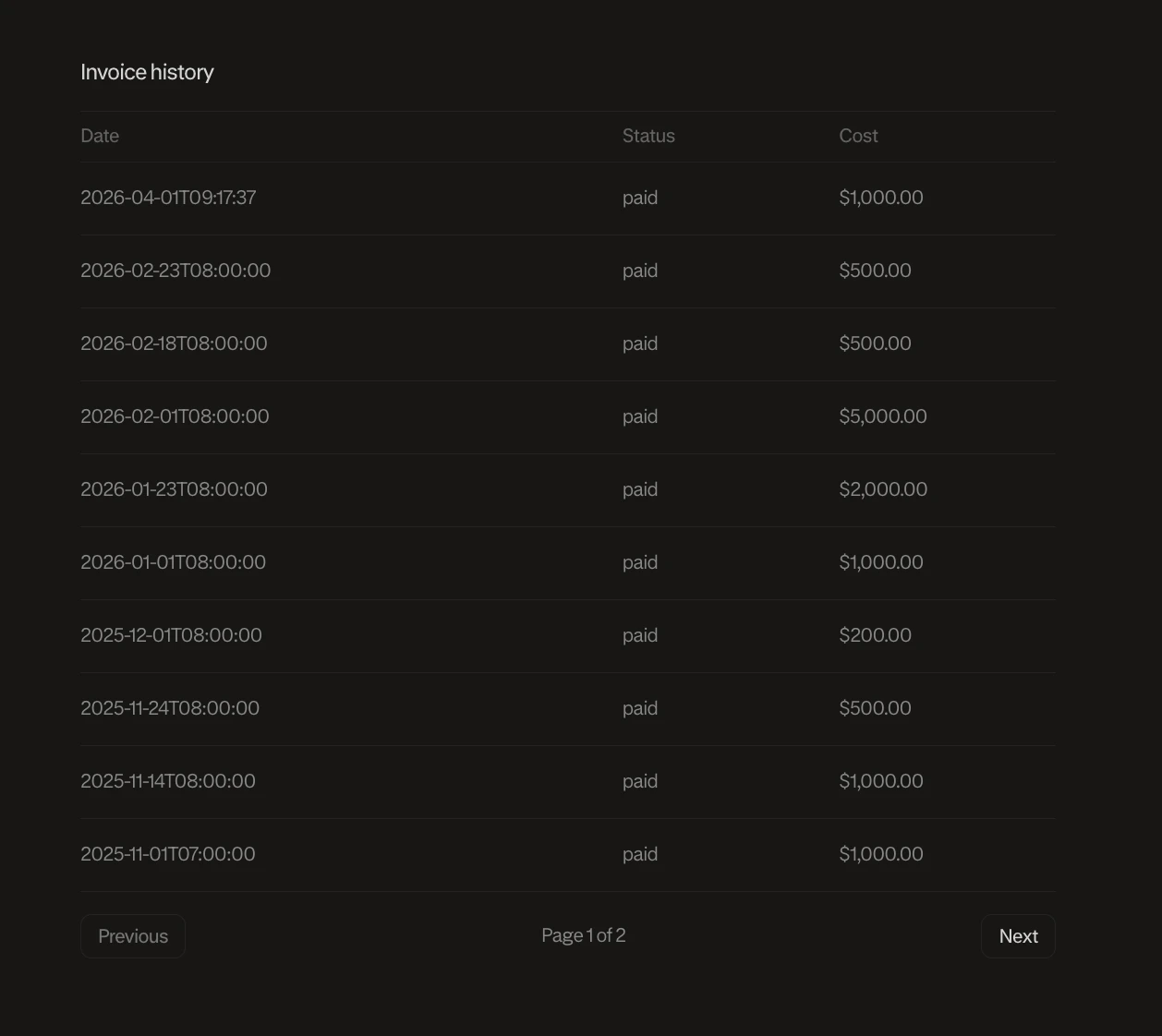
Invoice History
Below the usage chart and billing breakdown on the Billing page, you’ll find your Invoice history — a record of all past invoices with their date, status, and cost.